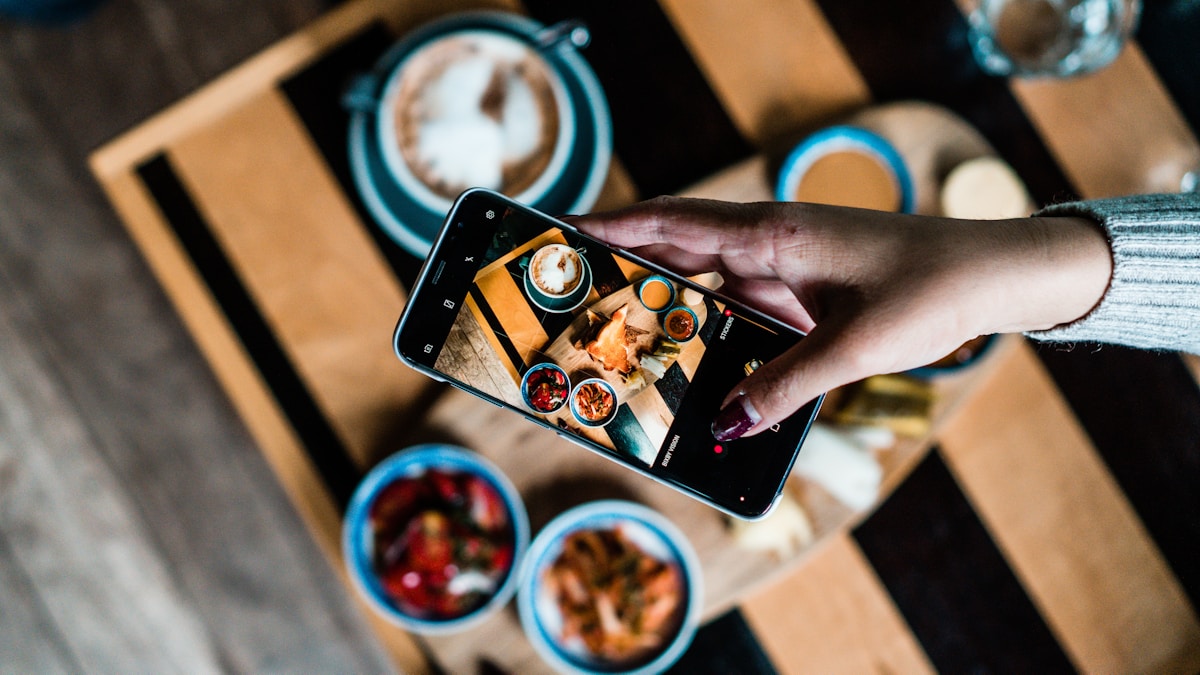

ContaCal is the best calorie counter app for one reason: you photograph your meal and the AI returns calories and macros in seconds. No diary, no database search, no weighing every gram.
That single difference is what defines the app. Counting calories always worked in theory and broke in practice, because logging each meal is too much work. ContaCal was built to erase that work. And it now goes further than the app itself: you can send a meal photo straight to WhatsApp and get the count right there in the chat.
Why counting calories burns people out
Most people quit calorie counting because of the friction of logging each meal, not because of laziness. The method is simple to grasp and exhausting to keep.
Picture the steps in a manual-search app. You finish eating, open the app, search "rice", pick from forty near-identical results, guess the portion, then repeat for the chicken and the salad. Five minutes a meal, fifteen a day. Almost nobody sustains that, and the dropout comes from fatigue, not from losing the goal. The same pattern shows up in nearly every traditional diet app.
ContaCal attacks that exact point. Instead of asking you to describe the food, it looks at the food. The World Health Organization frames the balance between what you eat and what you burn as the base of a healthy diet. ContaCal handles the tedious half of that balance, which is the measuring.
Count calories by photo, without typing anything
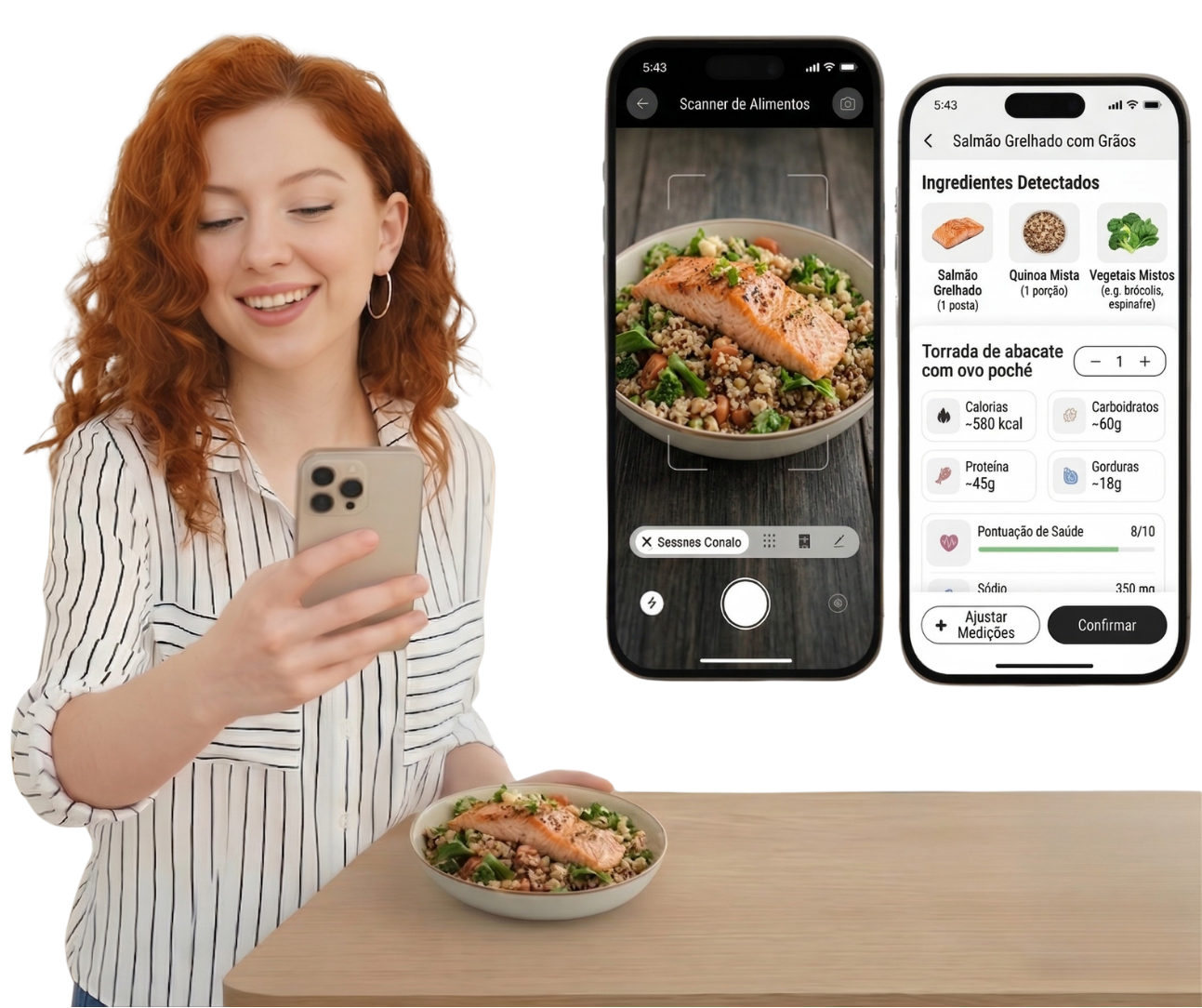
In ContaCal, counting calories starts and ends with a photo: you shoot the plate and the AI identifies the food on its own. What used to take minutes now takes seconds.
Reading by image changes how you use the app. You do not need the technical name of a food, or to decide whether it counts as one serving or one and a half. The photo carries that, and the AI does the interpreting. The result lands as a finished number, with the total calories split into protein, carbs, and fat.

📷 How it works. ContaCal's AI identifies the foods in the photo, estimates each portion, and matches them against a nutrition database. The calorie math it returns follows the same logic as a food calorie calculator, except you never feed the numbers in.
This is the kind of feature that separates an app you keep from an app you install and forget. When logging costs almost nothing, it happens every day. And calorie counting only works when it is consistent.
ContaCal
Count calories and macros with just 1 photo
Snap your meal and the AI instantly calculates calories, protein, carbs and fat.
Now ContaCal works inside your WhatsApp
ContaCal now reads your meal photo right inside WhatsApp, with no need to open the app. It puts calorie logging where you already spend your day.
The flow is what you would expect. You open the ContaCal chat on WhatsApp, send the photo of your plate, and the count comes back in the reply, inside the chat. Calories and macros land there, with no app switch, no loading screen, no login in the middle.
It sounds like a detail, but it is the kind of detail that decides consistency. Every extra tap between you and the log is a chance to quit. Sending one photo in a chat that is already open adds almost nothing.
💬 In practice. Ate out and had no time to open the app? Send the photo to ContaCal on WhatsApp and move on. The meal lands in your day and the count is saved for when you want to look.
An AI that understands real, mixed plates
ContaCal was built to recognize everyday food, from a full lunch plate to a quick snack. This is where it pulls ahead of generic trackers.
Plenty of counting apps were built around packaged products and clean, single-item meals. They stumble on the way most people actually eat, which is a mixed plate with several foods touching each other. Rice with beans, a stew, a bowl piled with toppings: real meals confuse a barcode-first tool.
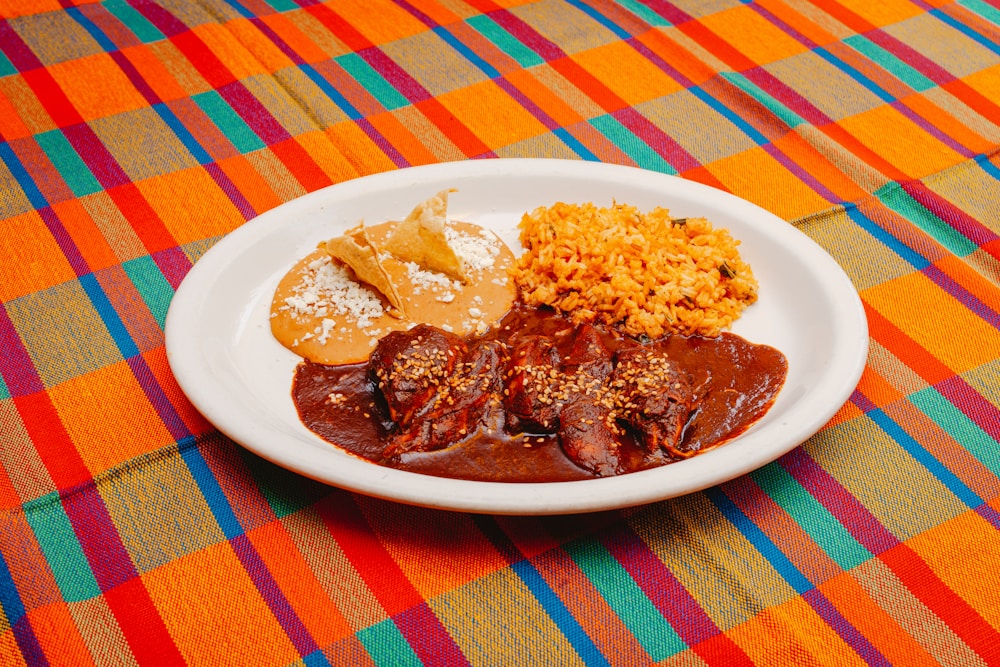
ContaCal reads the mixed plate as a whole, because that is what it was trained on. That fit is what makes the count match your actual lunch instead of a tidy approximation. If you want the manual method behind it, our guide on how to count calories breaks it down step by step.
Calories, macros, and goals on one screen
ContaCal does not stop at calories: it shows protein, carbs, and fat and tracks your daily goal. A calorie number alone tells only half the story.
Two people can eat the same 1,800 calories and end the month in opposite places, because one hit their protein and the other lived on bread and cookies. So ContaCal hands back the plate split into macros, not a loose figure. You see how much you ate, how much is left for the goal, and where the day is out of balance.
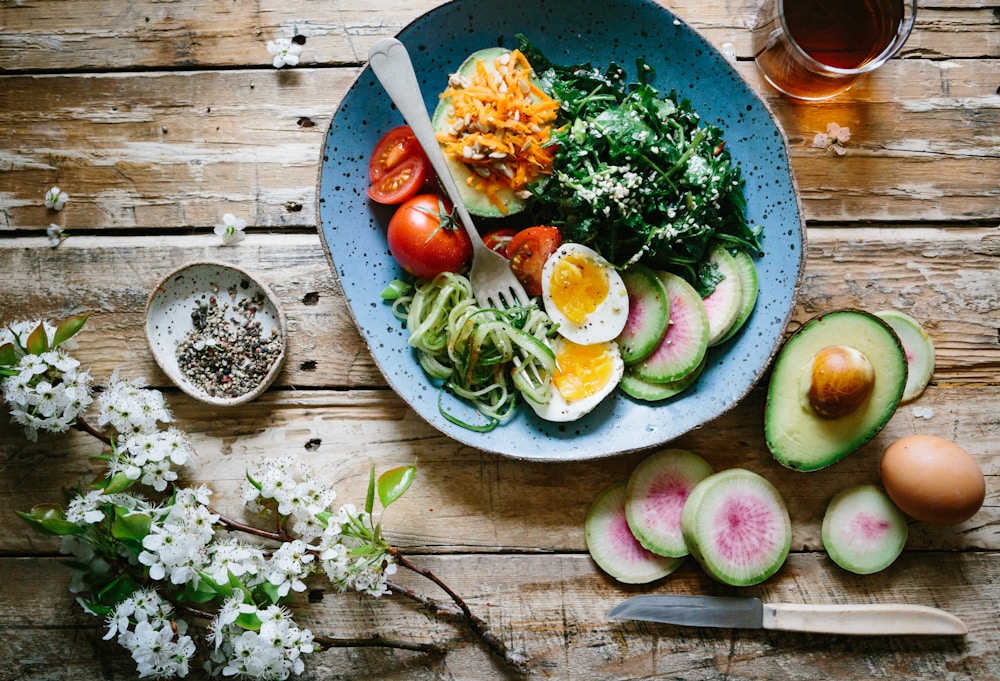
That covers people who want to lose weight and people who want to build muscle, in the same app. Anyone cutting uses the tracking to hold a steady calorie deficit, while a comparison of the options in our weight loss app guide shows why photo logging keeps winning.
The best calorie counter app is the one open in week three
The best calorie counter app is the one you still use after a month, and ContaCal was designed to pass that test. A flashy feature pulls you in; consistency is what delivers the result.
People who install ContaCal and start photographing meals tend to report the same thing in the first week: they were eating far more, or far less, than they thought. That honest picture is what moves the needle, and it only shows up when logging becomes a habit. An app that feels like work never becomes a habit.
That is why every ContaCal decision leans toward ease: the photo instead of typing, WhatsApp instead of one more login, the mixed plate read without manual fixes. Backed by Harvard Health on the value of tracking what you eat, the case is simple. The app survives your routine, and that is what makes it work.